
Picture and depth
Adjust screen curvature, brightness and sharpening. Try HDR, ambient lighting, or optional live 3D with adjustable depth.

Stream from your own PS5 to a screen you can move, curve, or turn into a private cinema.
Free download. A paid licence is required to install on Vision Pro.
Start in a window alongside your room, dim your surroundings, or switch to a fixed cinema screen.
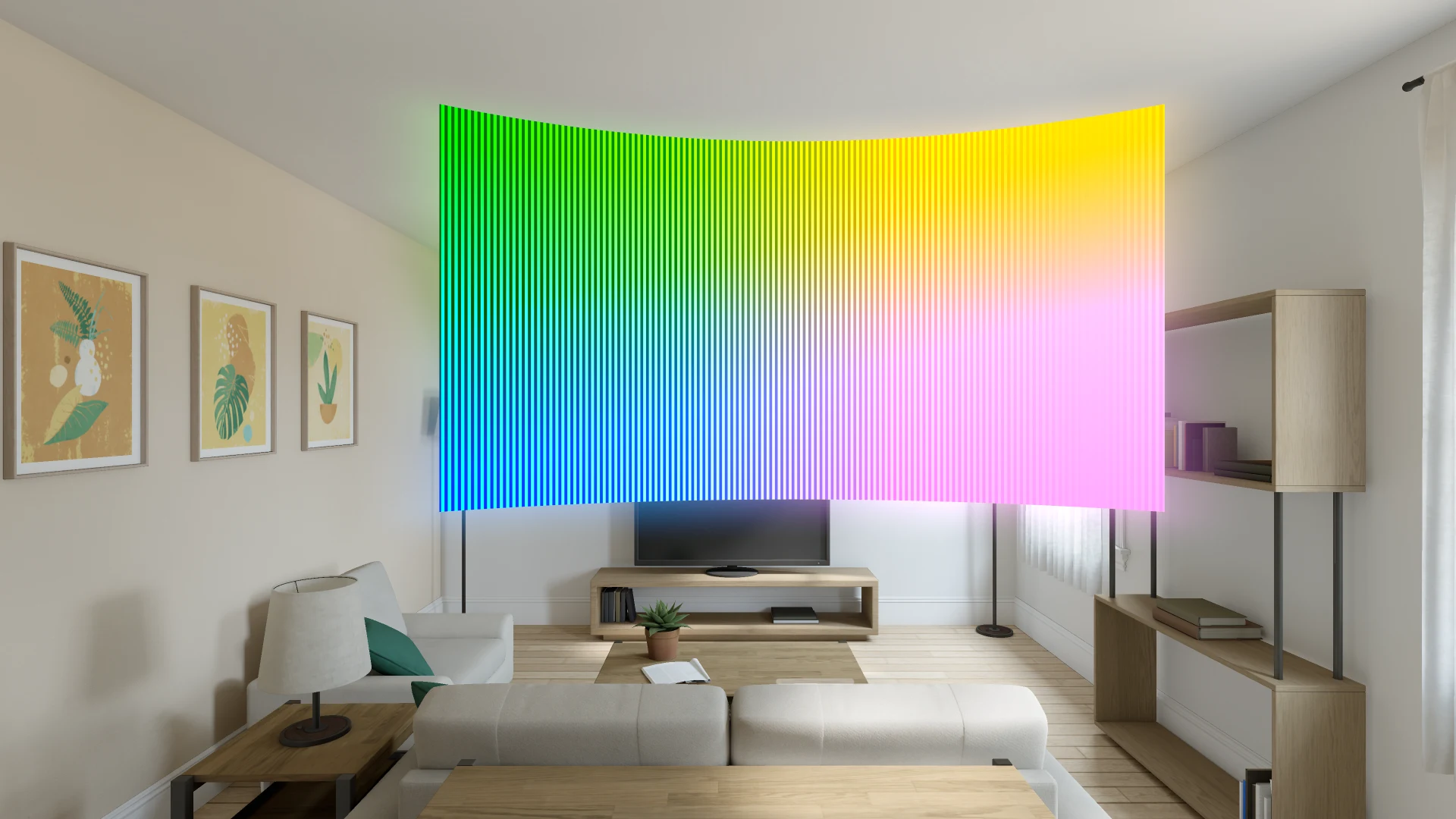
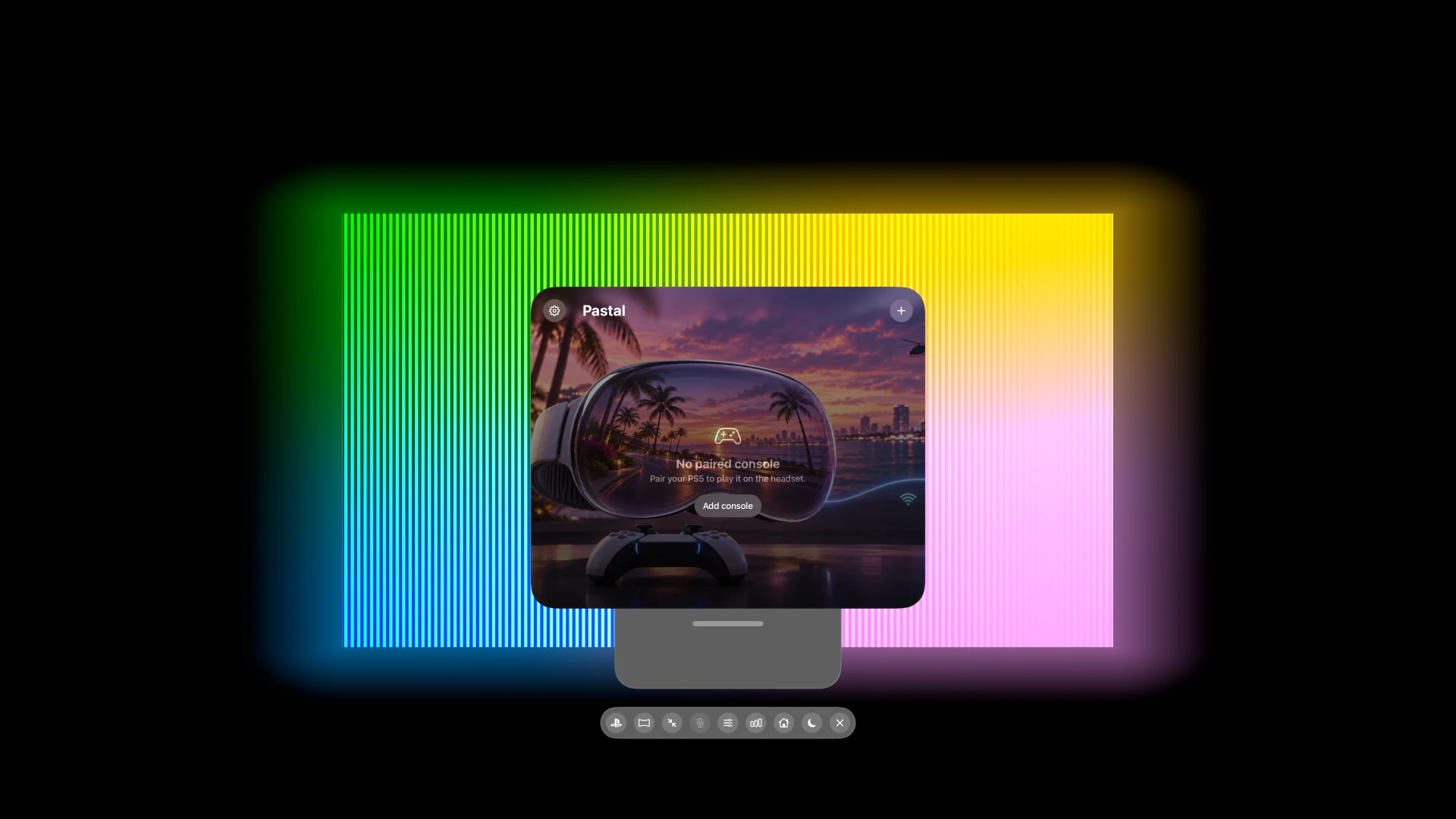
Adjust screen curvature, brightness and sharpening. Try HDR, ambient lighting, or optional live 3D with adjustable depth.
Use the original stream or upscale to 1440p or 4K on Vision Pro. The PS5 sends up to 1080p.
Connect over your home network or sign in to PlayStation Network to play away from home. Pair your DualSense with Vision Pro for haptic feedback.
You’ll need an Apple silicon Mac, macOS 15.6 or later compatible with your Xcode version, Xcode 26 or later with visionOS support, at least 8 GB free, a Vision Pro, and a PS5 with Remote Play enabled. We’ve tested and used Pastal on visionOS 27. It also works on visionOS 26.
Download the DMG, move Pastal Installer to Applications, open it on your Mac, and enter your licence key.
Sign in to Xcode with your Apple Account, pair your Vision Pro with the Mac, and enable Developer Mode. Pastal Installer builds and signs the app on your Mac.
Launch Pastal on Vision Pro and link your console. Pair a controller with Vision Pro.
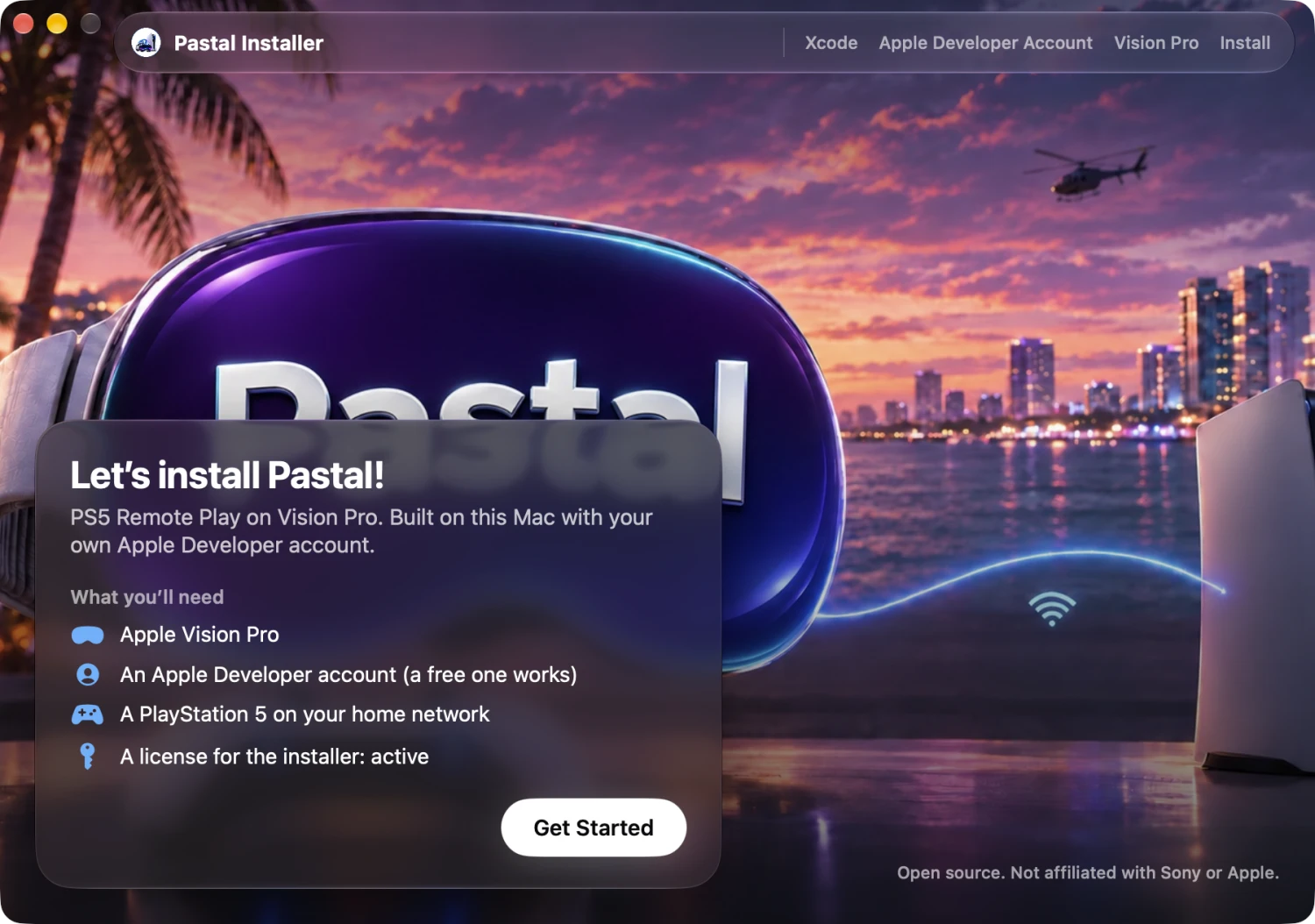
Pastal Installer checks for a newer Mac installer when it starts. If a compatible version is available, it shows what’s new and lets you update now or choose Later.
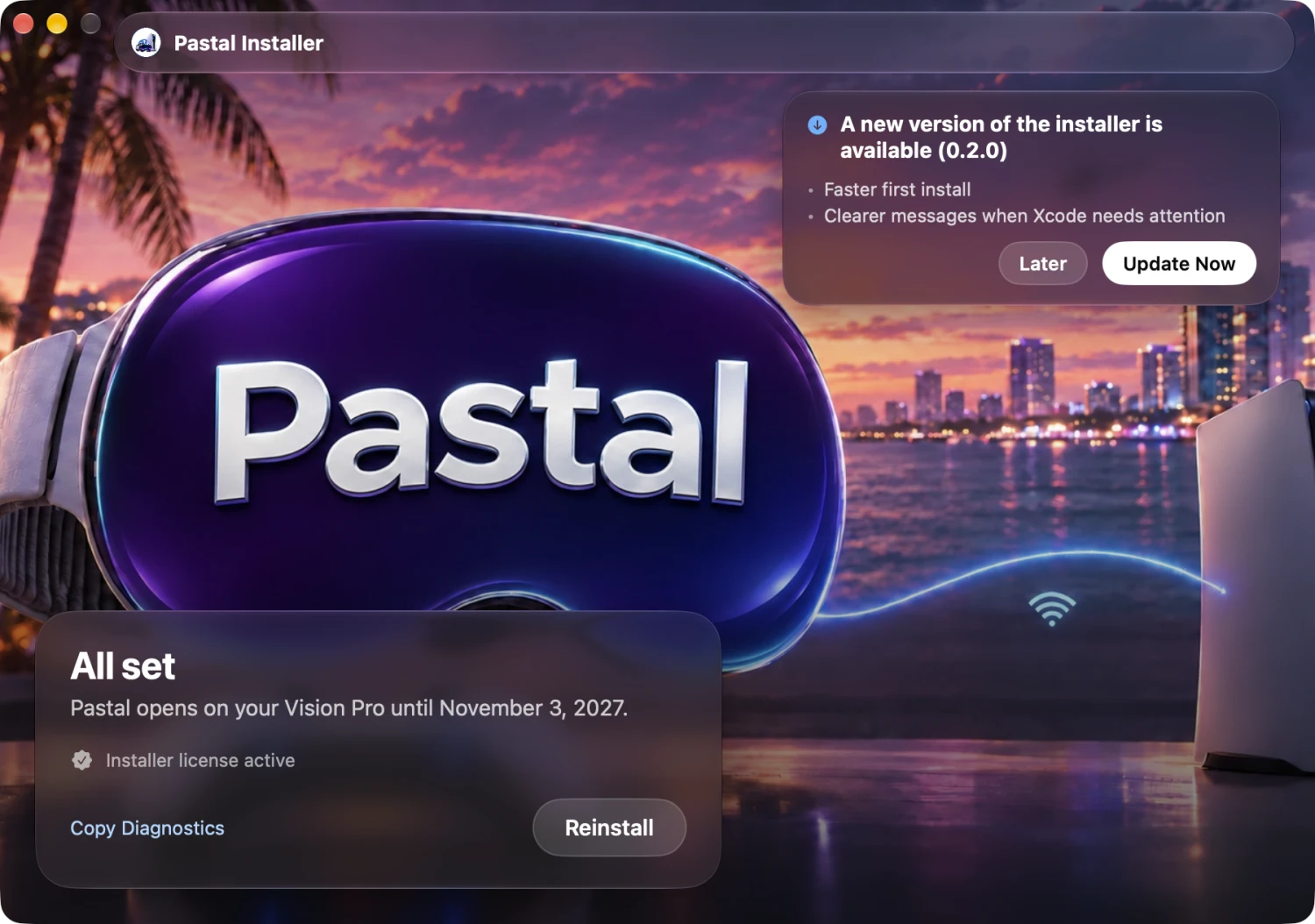
Downloading the Mac installer is free. When you install Pastal on your Vision Pro, the Mac installer will ask you to purchase and activate a licence.
A free Apple Account can be used via Xcode. The free signing profile lasts seven days. Use Pastal Installer to renew it.
Yes, with PlayStation Network sign-in and Remote Play enabled on your PS5. Performance depends on the connection at both ends.
Vision Pro can upscale the PS5’s stream to 4K with MetalFX. The console sends a stream at up to 1080p.
Open Pastal Installer on your Mac and choose “Buy a License”. One licence works on up to three Macs.